
How to turn a phone photo into a postcard that prints well
The best postcard you can send is probably already on your phone. Not every photo prints well, though, and a few small choices decide whether the card looks sharp or muddy. Here is what to check before you order.
Pick the right photo
- Good light beats a good camera. Photos taken outdoors or near a window print cleanly. Dim indoor shots look grainy on paper even when they look fine on a screen.
- One clear subject. A face, a dog, a view. Busy group shots with small faces lose detail at postcard size.
- Use the original. Photos saved from a chat app or a screenshot are often shrunk. Pick the photo from your camera roll.
- Landscape if you can. A postcard front is wider than it is tall. A sideways photo fills the card; an upright one has to be cropped hard.
Crop for a 4×6 card
A 4×6 inch card has a 3:2 shape. Most phone photos are a little squarer than that, so a strip gets trimmed from the top and bottom.
- Keep faces and anything important away from the edges.
- Leave some sky or floor around your subject so the crop has room.
- If you want a handwritten-style caption on the front, leave a calm area near the bottom, such as grass, water or a plain wall, so the words are easy to read.
On postcards.lol you upload a JPEG, PNG or iPhone photo and crop it in the browser, so you see the final framing before you pay.
Quick fixes worth making
- Straighten the horizon. A tilted lake is the first thing people notice on a printed card.
- Brighten a little. Paper is not backlit like a screen, so a photo that looks slightly bright on your phone usually prints about right.
- Skip heavy filters. Strong filters tend to look harsher in print than they do on a screen.
No photo that fits?
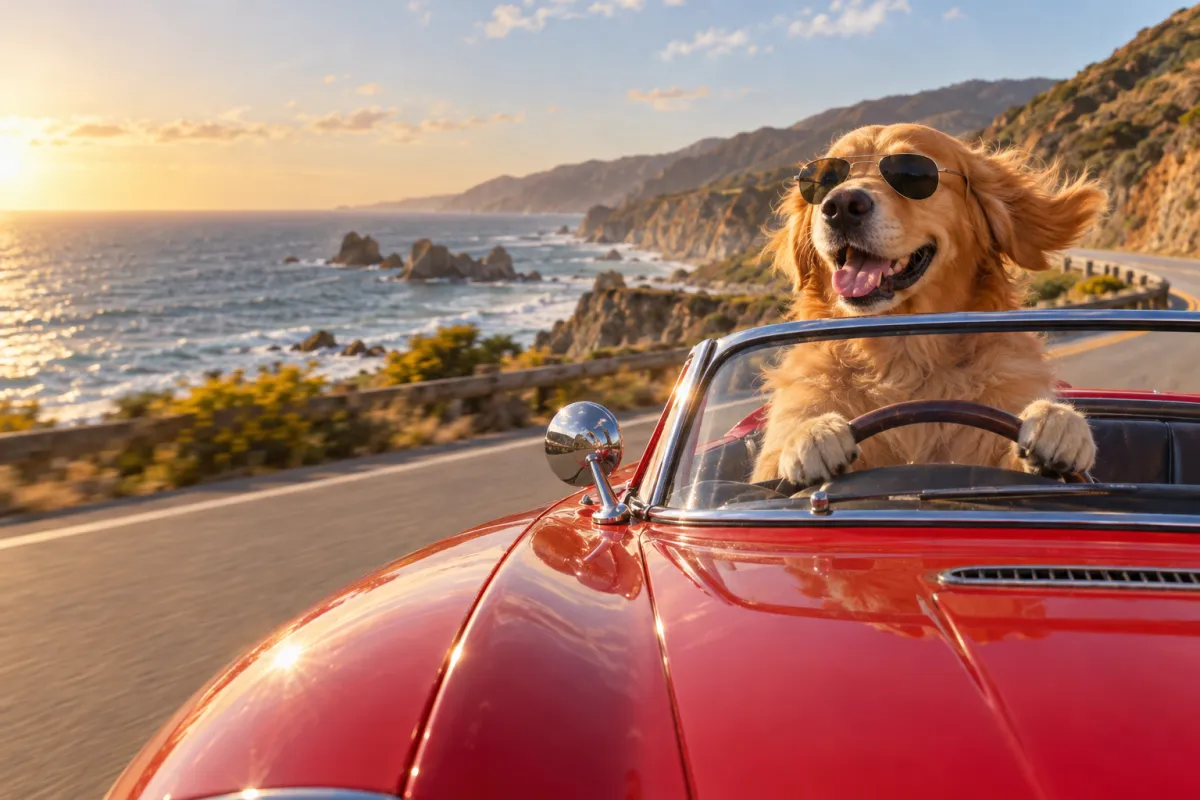
Describe the picture you wish you had in one line, such as "our dog driving a red convertible down the coast", and pick a style. The front is made from your description. It is a good option for jokes and for moments nobody photographed.
The back matters too
A great photo with nothing on the back is a missed chance. Three short sentences are enough: what the photo shows, why you thought of them, and when you will talk next. If you would like a starting point, give AI a one-line brief and edit the draft.
Before it prints
Check three things on the preview:
- Nobody's head is cut off by the crop.
- The caption, if you added one, is readable against the photo.
- The name and address are right. We mail anywhere in the United States.
After that, we print the card on thick 4×6 inch stock in full color, add the stamp and mail it. You get tracking by email.
Have a photo in mind? Start a card and upload it.